1. The Pain Points of Remote Work
For remote workers, developers, and office professionals, spending 8 to 10 hours a day sitting at a desk has a major downside. Over time, poor posture, repetitive stress, and inadequate support manifest as neck pain, lower back aches, and shoulder stiffness. Studies indicate that up to 74% of desk-bound workers suffer from musculoskeletal pain, which directly decreases productivity, drains energy, and hampers daily focus.
74% of remote workers experience desk-related physical pain, causing a significant drop in focus and productivity.
2. Understanding the Causes: Education & Ergonomic Science
The main culprits behind desk pain are not secrets—they are postural adjustments we neglect. Prolonged sitting causes spinal compression, poor monitor height forces you into a forward head tilt ('tech neck'), and a lack of lumbar support strains your lower back muscles. When you look down at a monitor or laptop screen, the effective weight on your neck increases from 12 lbs to over 60 lbs, severely straining cervical vertebrae.
Primary Causes of Desk Discomfort
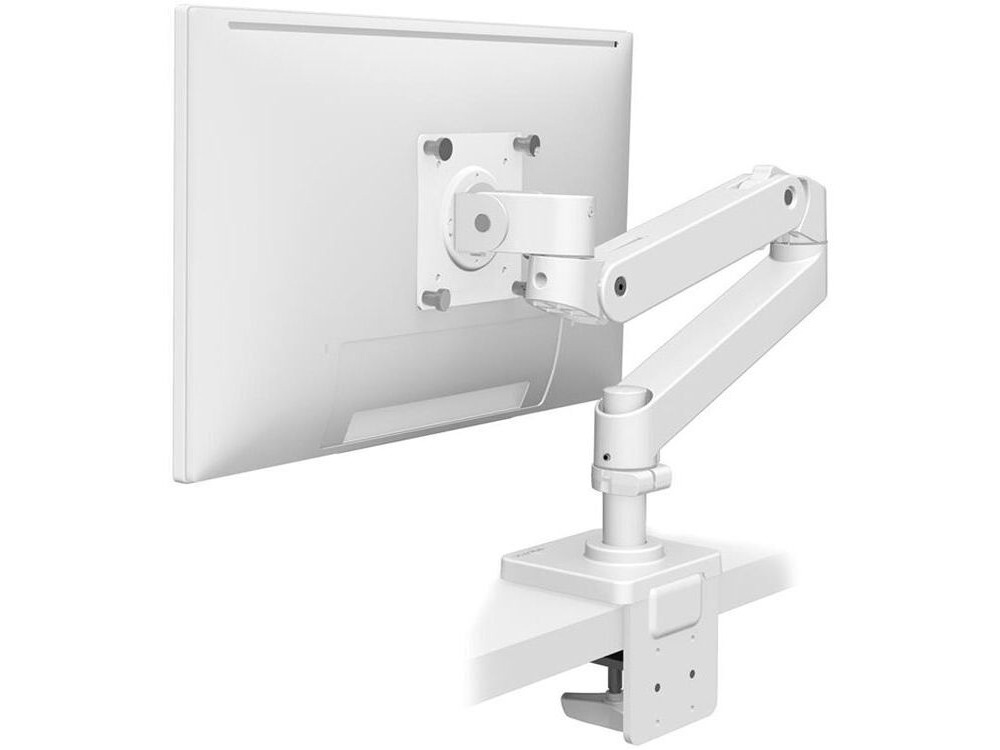
- Low monitor position: Induces forward head posture, putting immense pressure on the cervical spine.
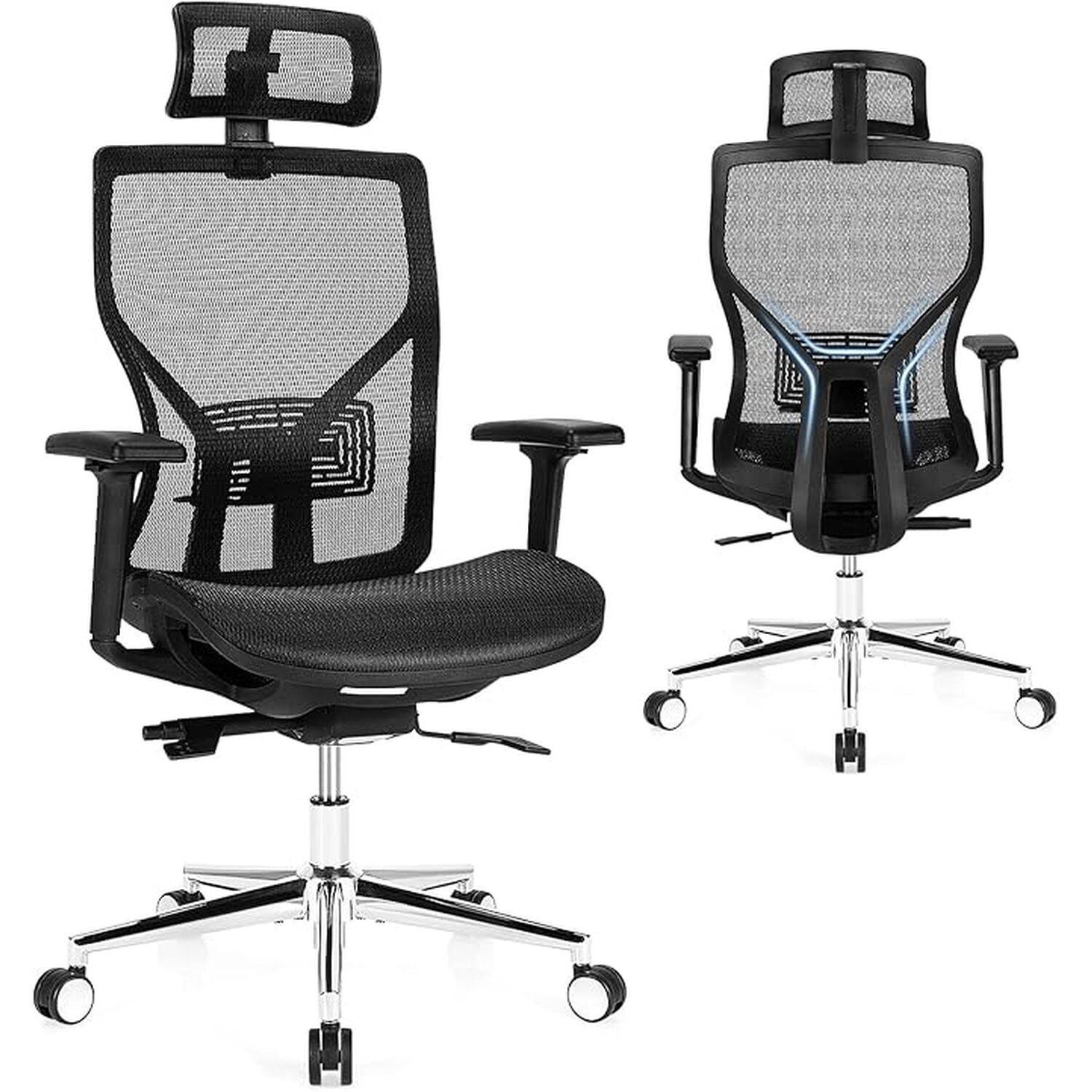
- Lack of lumbar support: Flattens the spine's natural curve, overloading the lower back discs.
- Prolonged static sitting: Decreases blood circulation and stiffens hip flexors.
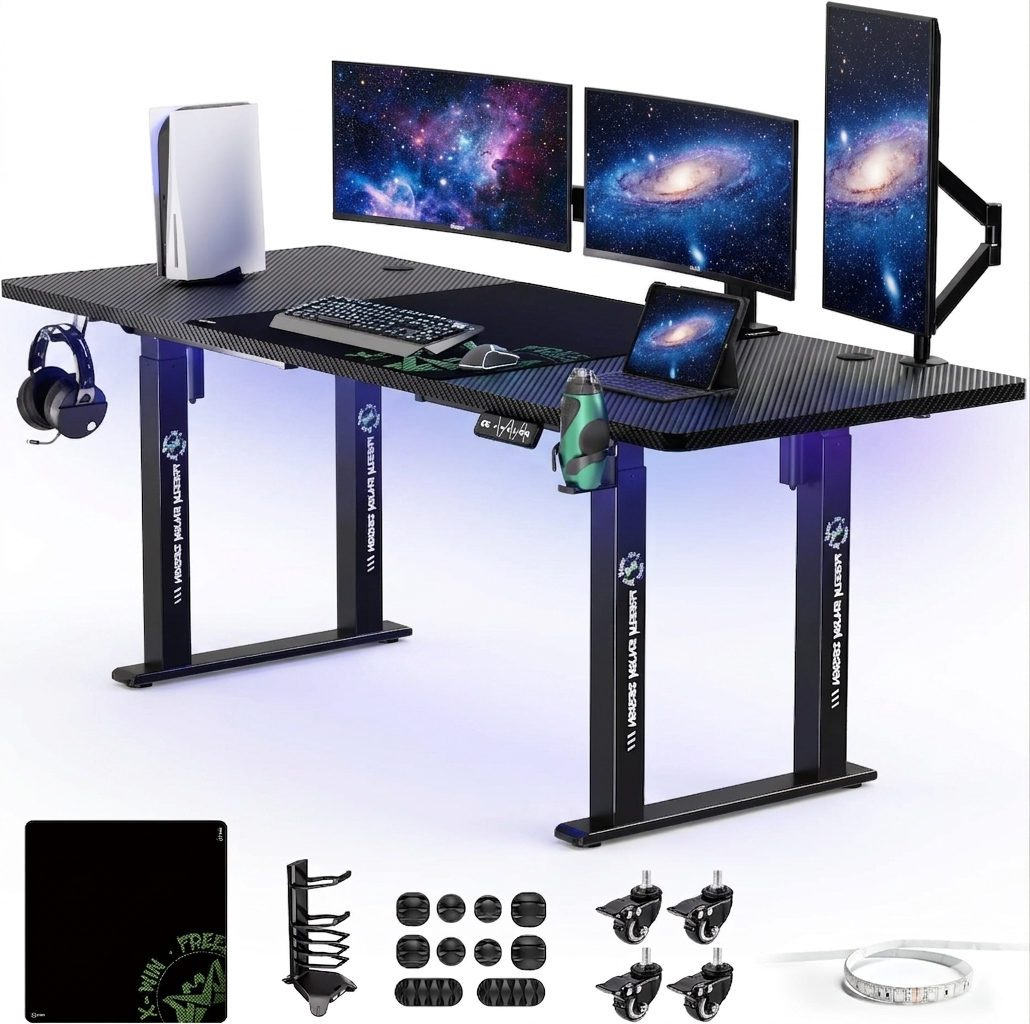
- Incorrect keyboard/mouse height: Leads to shoulder hiking and wrist strain.
3. Simple Solutions (No Purchase Necessary)
Before spending money, you can make significant improvements to your comfort by adopting healthier habits and making zero-cost workspace adjustments. These changes establish a strong foundation of joint mobility and spinal alignment.
Zero-Cost Ergonomic Adjustments
- ✓Raise your screen to eye level: Stack books or boxes under your monitor or laptop until the top third of the screen aligns with your eyes.
- ✓Practice the 20-20-20 rule: Every 20 minutes, look at an object 20 feet away for at least 20 seconds to prevent digital eye strain.
- ✓Incorporate standing breaks: Set a timer to stand, stretch, or walk for 5 minutes every hour.
- ✓Improve sitting posture: Keep your feet flat on the floor, hips pushed all the way to the back of the chair, and shoulders relaxed.
4. Elevate Your Comfort: Expert Ergonomic Gear Recommendations
If adjusting your habits and using temporary hacks isn't enough to relieve persistent discomfort, investing in targeted ergonomic tools can make a dramatic difference. These products are specifically designed to support your natural anatomy and reduce physical strain.