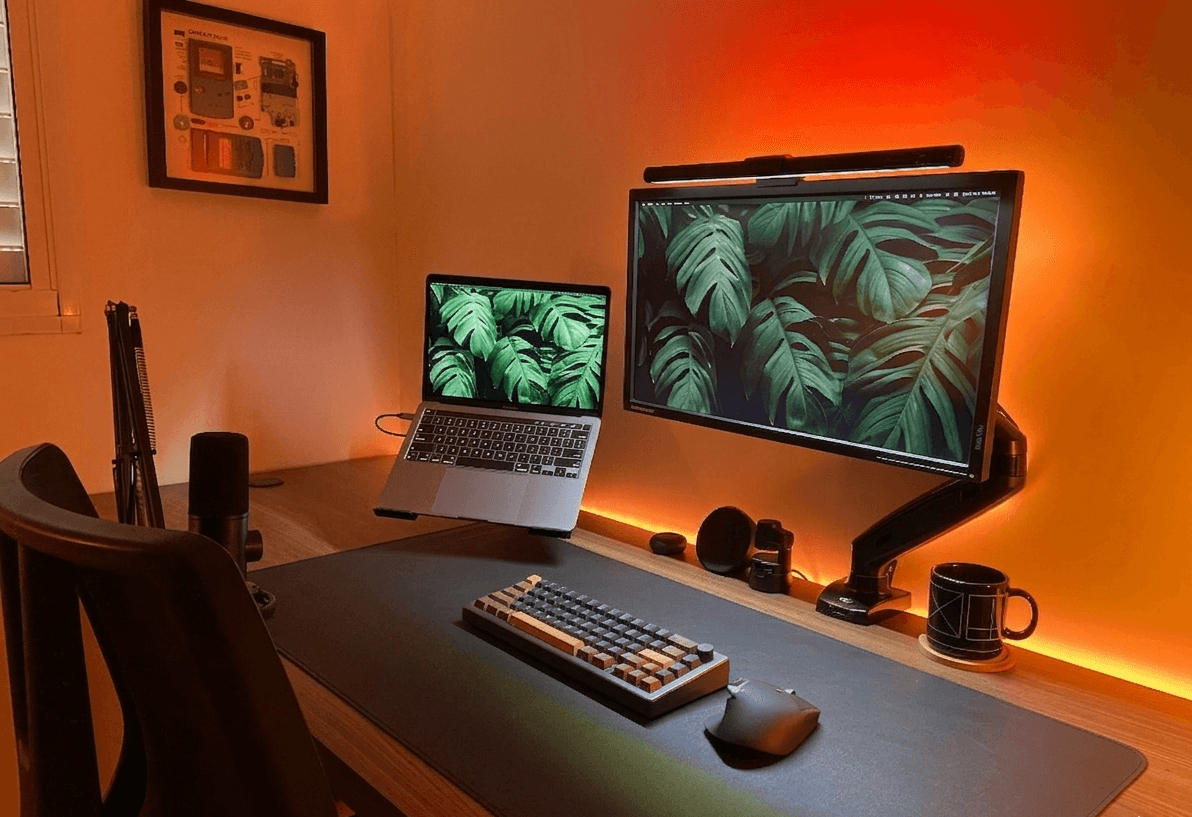
Why Your Desk Setup Matters
The average knowledge worker spends 8+ hours at their desk daily. A poorly designed workspace leads to back pain, eye strain, and reduced focus. Studies show that an ergonomic, organized desk setup can increase productivity by 15–20% and significantly reduce work-related injuries.
Studies show an ergonomic setup can boost productivity by 15–20%.
Monitor Placement & Ergonomics
Your monitor should be at arm's length, top of screen at eye level...
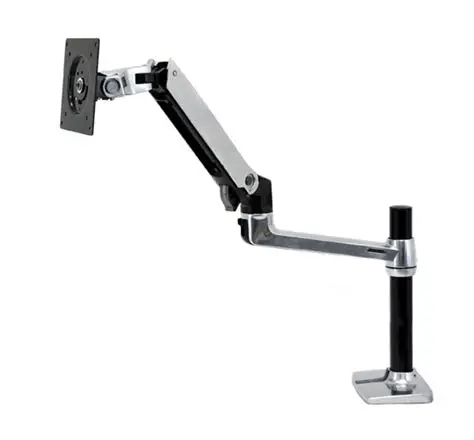
Recommended: Monitor Arms
Reclaim desk space and dial in perfect ergonomic height.
Cable Management Tips
- ✓Use a cable tray mounted under the desk
- ✓Velcro ties instead of zip ties — reusable and clean
- ✓A single docking station cuts connections in half
- ✓Adhesive cable clips along desk legs for routing
Lighting for Focus & Comfort
Layer your lighting: ambient overhead, task light, and bias lighting...
Level Up Your Lighting
The right light setup eliminates headaches and eye strain.
BenQ ScreenBar Monitor Light
Top PickClips to your monitor, zero glare on screen, auto-brightness.
$109View Deal